Motion & mechanics
Positioning problems, homing faults, and worn or damaged components.


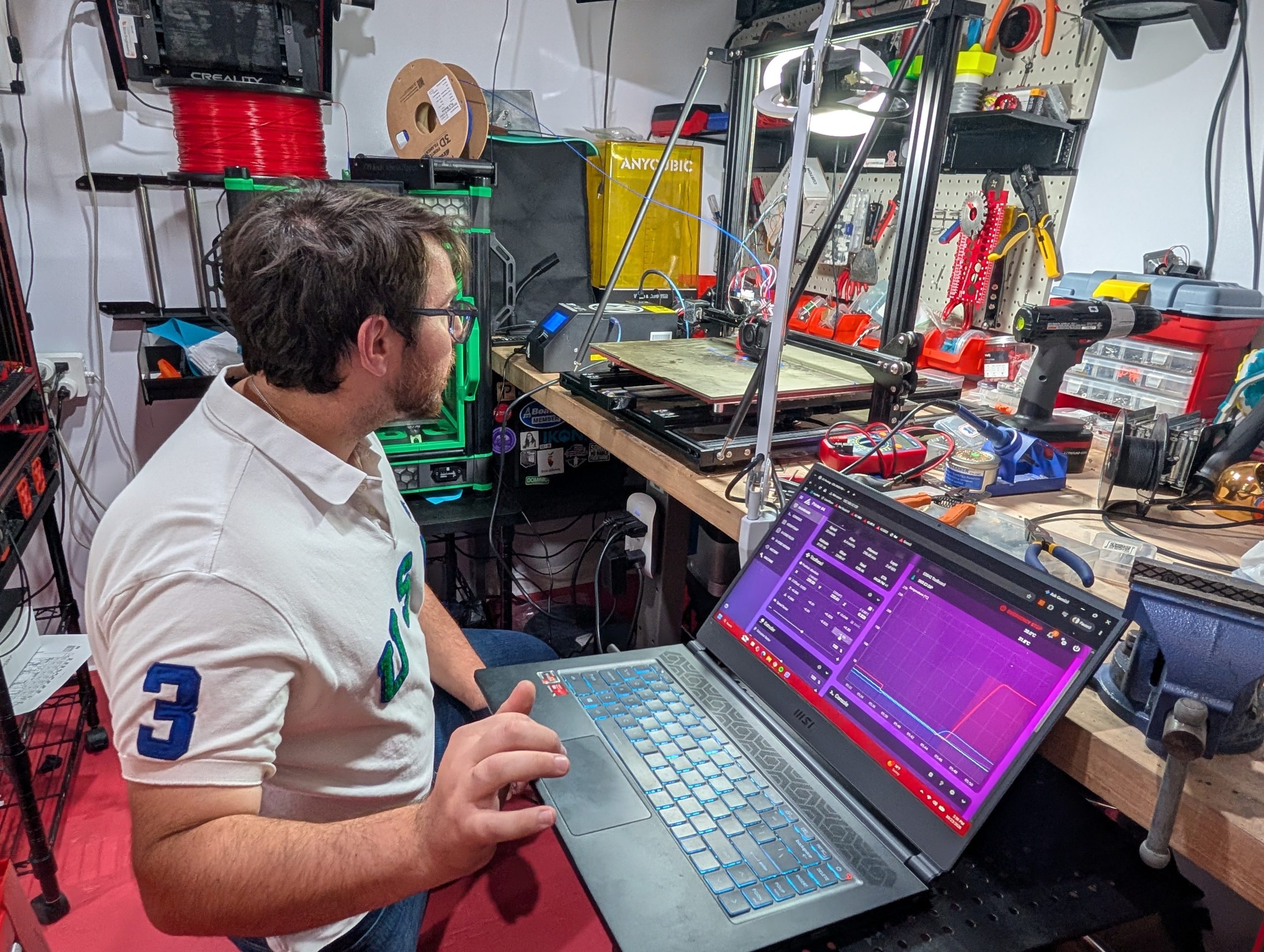
3D PRINTER & MACHINE REPAIR · NEW JERSEY
DDA Maker Technologies repairs and maintains 3D printers, laser cutters, and other fabrication equipment in New Jersey. We support individuals, schools, and businesses, with service confirmed by machine model, condition, and parts availability.
3D printers · Laser cutters · CNCs & more
Established 2019DDA Maker Technologies
100+ 3D printer modelsExperience with desktop, resin, large-format & custom equipment
NJ, NY, PA, CTIndividuals · Schools · Businesses
LET’S NARROW IT DOWN
You don’t need to identify the failed part. Start with the machine and what it’s doing.
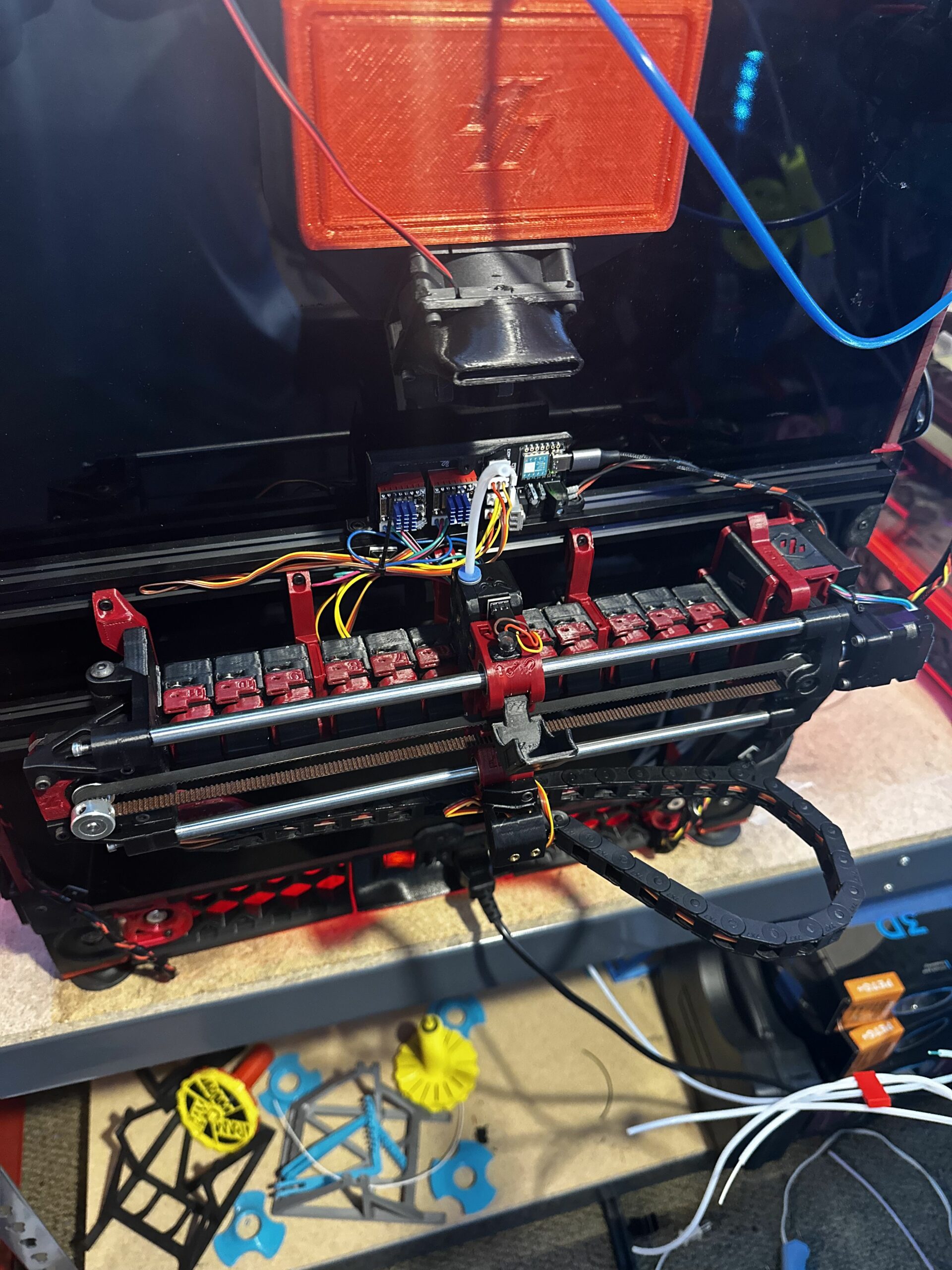 MECHANICAL / ELECTRICAL / SOFTWARE
3D PRINTER REPAIR & TROUBLESHOOTING
Recurring clogs, failed first layers, and intermittent faults deserve a closer look. We assess the mechanics, electronics, configuration, and recent repair history together.
Jams and under-extrusion have brought in Bambu, Creality, Prusa, Raise3D, Dremel, and other machines. We check the complete filament path, the extruder, and hotend cooling, especially when a new nozzle has not helped.
First-layer problems have involved Z-offset, startup commands, probing, and incompatible replacement parts. Shifts and homing failures have also traced to bearings and motor wiring. The timing of the fault matters.
A cold nozzle, an implausible temperature reading, and an unexpected reset give different clues. Experience includes damaged sensor wiring, ribbon cables, heaters, and control boards, plus resin screens and exposure systems.
WHEN THE USUAL FIX DOES NOT LAST
A recurring clog may start with cooling. A layer shift may come from a motor connection or the sequence after filament runout. Our service cases show what changed the investigation.
Hub blockages, a failed AMS tube, extruder clogs, and toolhead sensor damage have all appeared in our service work. A loading error does not identify which part of the path failed.
Our cases include Z-offset and probing issues, startup configuration, damaged hotend parts, and a replacement nozzle too short for the fan shroud. The exact model and modification history matter.
Work has included hotend recovery, probe positioning, bearings, and multi-material loading. A sensor realignment initially appeared to help one MMU2S; the owner later chose to remove the unit. An initial improvement is not always a lasting resolution.
Voron and SecKit work has involved build geometry, wiring, probe mounts, firmware, and mismatched components. We assess how the machine was assembled as well as the symptom it reports.
These examples describe machines we have assessed. They are not brand failure rates or a prediction of which printer is most likely to break.
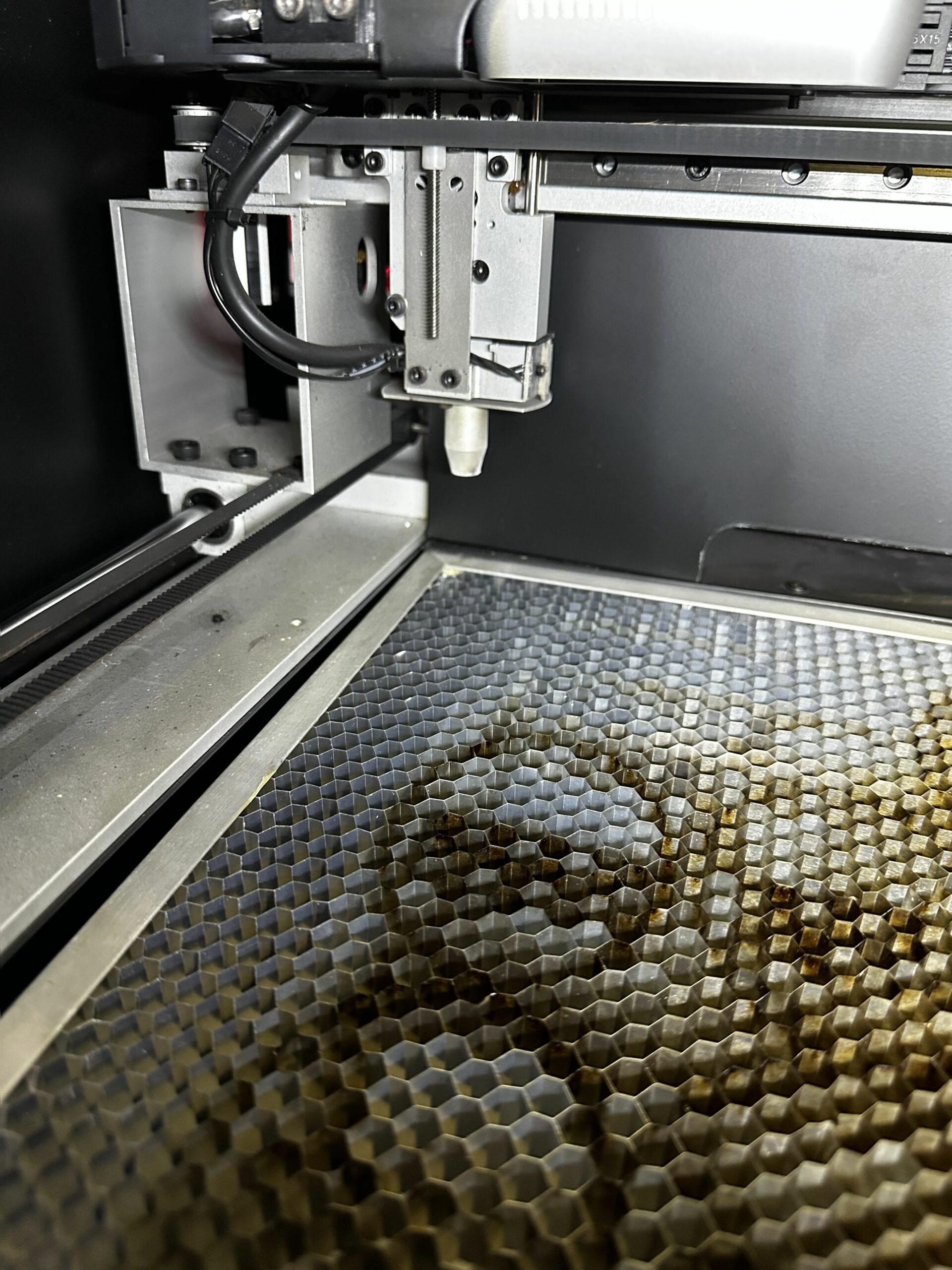 ALIGNMENT / OUTPUT / MOTION
LASER CUTTER REPAIR & MAINTENANCE
Weak output, inconsistent cuts, or a machine that won’t run: tell us what changed and which equipment you have.
We help troubleshoot alignment and inconsistent output, considering the optics, machine setup, and operating conditions.
Experience includes laser tube and power-supply troubleshooting. Service scope depends on the model, fault, and available parts.
Discuss cleaning, inspection, alignment, and maintenance needs for the equipment you use.
HAVE SOMETHING ELSE?
CNC routers. Engravers. Vinyl cutters. Modified equipment. Start with the model and the problem. We’ll confirm whether we can help.
Positioning problems, homing faults, and worn or damaged components.
Help understanding machine behavior, settings, and control-system issues.
Assess the equipment’s condition and the practicality of sourcing parts or upgrading.
Experience across brands.
Bambu Lab, Creality, Prusa, Voron, Formlabs, Ultimaker, MakerBot, Dremel, and more. Laser and other equipment experience includes Full Spectrum, Glowforge, BOSS, Epilog, Cammaster, Vision, and Roland.
Send the exact model to confirm support. Support depends on the model and available parts. DDA is independent; these names do not imply manufacturer authorization.
FROM THE REPAIR BENCH
Choose a symptom to compare actual machines, what we found, and the repair or replacement decision.
A nozzle blockage, a cooling fault, and a damaged feed path can all leave a printer struggling to extrude. The repair depends on where the failure starts.
CR-10 Mini
What we found
A failed hotend fan was found alongside a clogged hotend and deformed tubing.
What we did
The hotend was cleared; the fan, tubing, and printed shroud were replaced.
Raise3D Pro2
What we found
The left heat-break throat was clogged; the right nozzle was clogged. Hotend fan damage was also noted.
What we did
The throat was cleared and the nozzle replaced.
Bambu AMS 2
What we found
A Bowden tube had failed at the hub on one feed channel.
What we did
The failed tube was replaced; further alignment work was considered.
We trace the filament path and check the condition of the hotend and its cooling. Clearing the blockage is only part of the assessment when it keeps coming back.
Skipping during motion and a shift after resuming a print may look similar on the finished part. Their timing can point the investigation in different directions.
Creality Sermoon D1
What we found
Failed crimps at the motor connection allowed wires to pull free.
What we did
The motor wiring was repaired. A long test print completed successfully.
Zortrax Plus machines
What we found
The shifts appeared after the machines resumed from filament runout.
What we did
One machine received a firmware update; both were factory-reset. The shifting issue went away.
We consider the motion hardware, motor connections, and the sequence that triggers the fault. A print that fails after runout needs a different investigation from an axis that skips during ordinary motion.
Bed position and Z-offset matter. So do the parts that establish the nozzle’s position, and whether the machine can complete its probing routine.
Creality Ender 3 V3 SE
What we found
The replacement nozzle was too short. The fan shroud reached the bed before the nozzle did.
What we did
The incompatible nozzle geometry was identified, and a replacement was installed
LulzBot TAZ 6
What we found
The initial investigation suspected bearings. The investigation also considered the Y axis and the way the leveling command was run.
What we did
The Y axis was replaced, and leveling was run through a print file.
We inspect nozzle geometry, probing, axis condition, and the print’s startup behavior before treating every adhesion problem as a slicer setting.
An intermittent reading can come from the sensor circuit, while a heating failure can involve the heater itself. Replacing the same part on every machine misses that distinction.
Artillery Sidewinder X1
What we found
A kinked thermistor wire had lost continuity.
What we did
Thermistor routing work restored operation during testing.
Flashforge Adventurer 3 Pro
What we found
A damaged ribbon cable was identified.
What we did
The repair was judged uneconomical; replacement equipment was discussed.
We distinguish a measurement fault from a heating fault and inspect wiring where movement or tight routing has stressed it. Repeated heating errors need assessment before more printing.
Screen service and a failed light-source circuit are different jobs. A replacement that does not change the symptom is useful evidence, but it is not proof that the next guessed part will solve it.
Elegoo Saturn 2
What we found
The exposure system needed screen service, alongside checks of the build plate and release film.
What we did
The monochrome screen was replaced.
Peopoly XXL
What we found
Replacing the switching power supply did not restore the LED module.
What we did
Later work replaced a MOSFET and the LED array, after which the machine was working.
A failed resin print can point to the screen, light source, or electronics. We check how those parts are working together and use what you’ve already tried to guide the diagnosis.
The model, error message, and what happens before the failure help us start the right investigation.
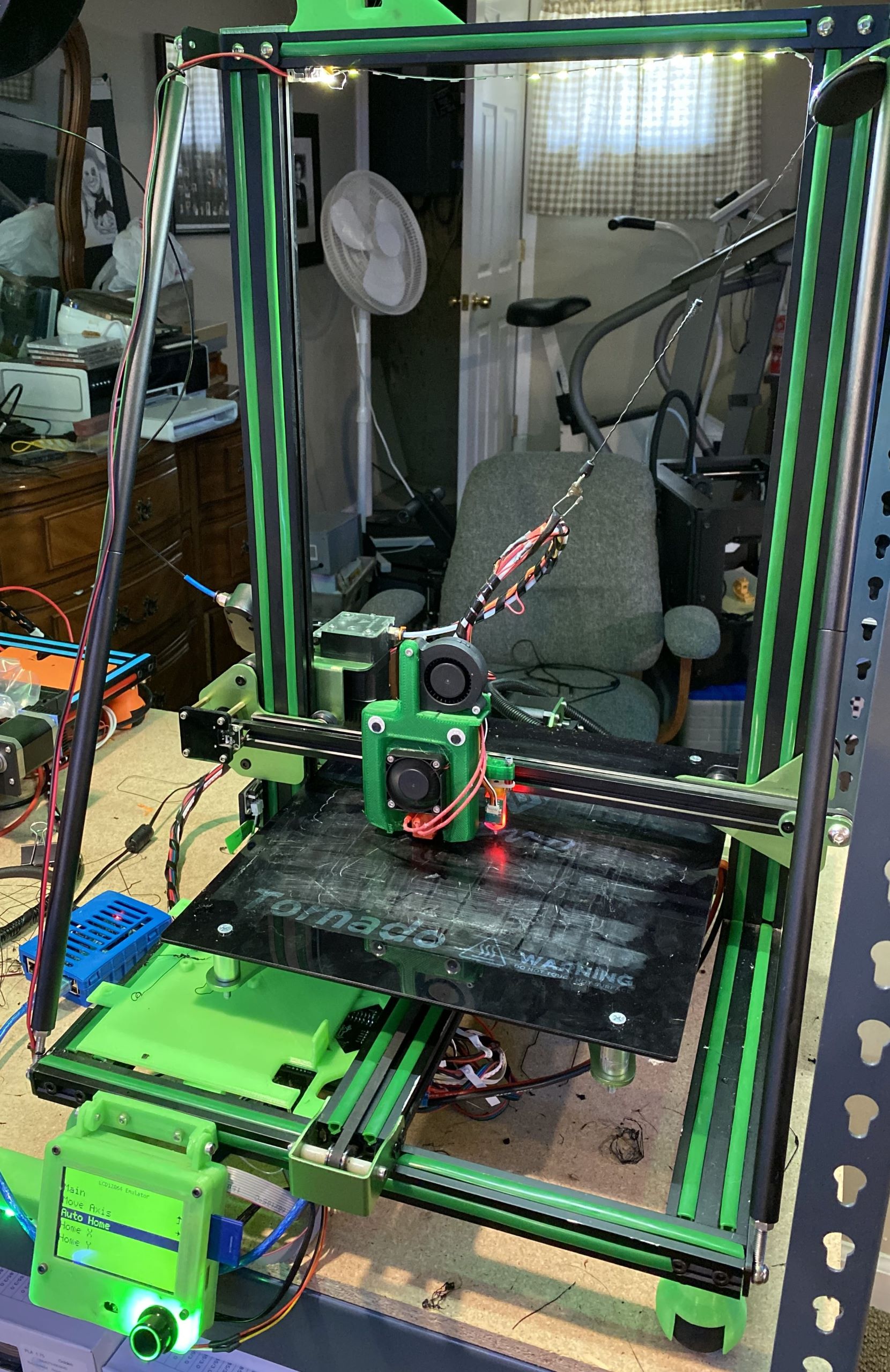
PREVENTIVE MAINTENANCE / SCHOOLS / BUSINESSES
A mixed fleet shouldn’t mean a different repair conversation for every machine. DDA helps you prioritize repairs, recover idle equipment, and plan maintenance around how your lab actually works.
HANDS-ON MACHINE TRAINING
A repair gets your equipment back in use. Training helps you get more from it.
Build skills around your own machine, software, and projects. Learn everyday operation, routine care, and how to recognize when a problem needs a closer look.
Understand material choices, file preparation, and the settings that affect your results.
Learn the setup checks and routine care that suit your equipment and how you use it.
Recognize useful clues, narrow down what changed, and know when to ask for technical help.
3D printers, laser cutters, and other fabrication equipment. We tailor the topics to your machine and experience.
Ask about training when you arrange your repair.
A FEW PRACTICAL DETAILS
We repair 3D printers, laser cutters, and other fabrication equipment, with experience across more than 100 3D printer models. Send the exact make, model, and symptoms so we can confirm service scope and parts availability.
Yes. We work with schools and businesses on mixed fleets, recurring maintenance, and repair needs. A machine list and your location are a useful starting point.
Cost and timing depend on the fault, assessment required, and parts availability. Describe the machine and problem so we can discuss what’s involved.
DDA is based in New Jersey and supports customers across New York, Pennsylvania, and Connecticut. Send your location, machine model, and whether you have one machine or a lab. We will discuss suitable service arrangements before you transport equipment.
Tell us what you’ve tried, any parts you’ve changed, and whether the symptoms changed. That history helps us understand the next step.
START A REPAIR INQUIRY
Send the machine details and we can discuss an assessment, practical options, and the next step.
For a school or business, a machine list is a useful starting point.